NC Proof Turn
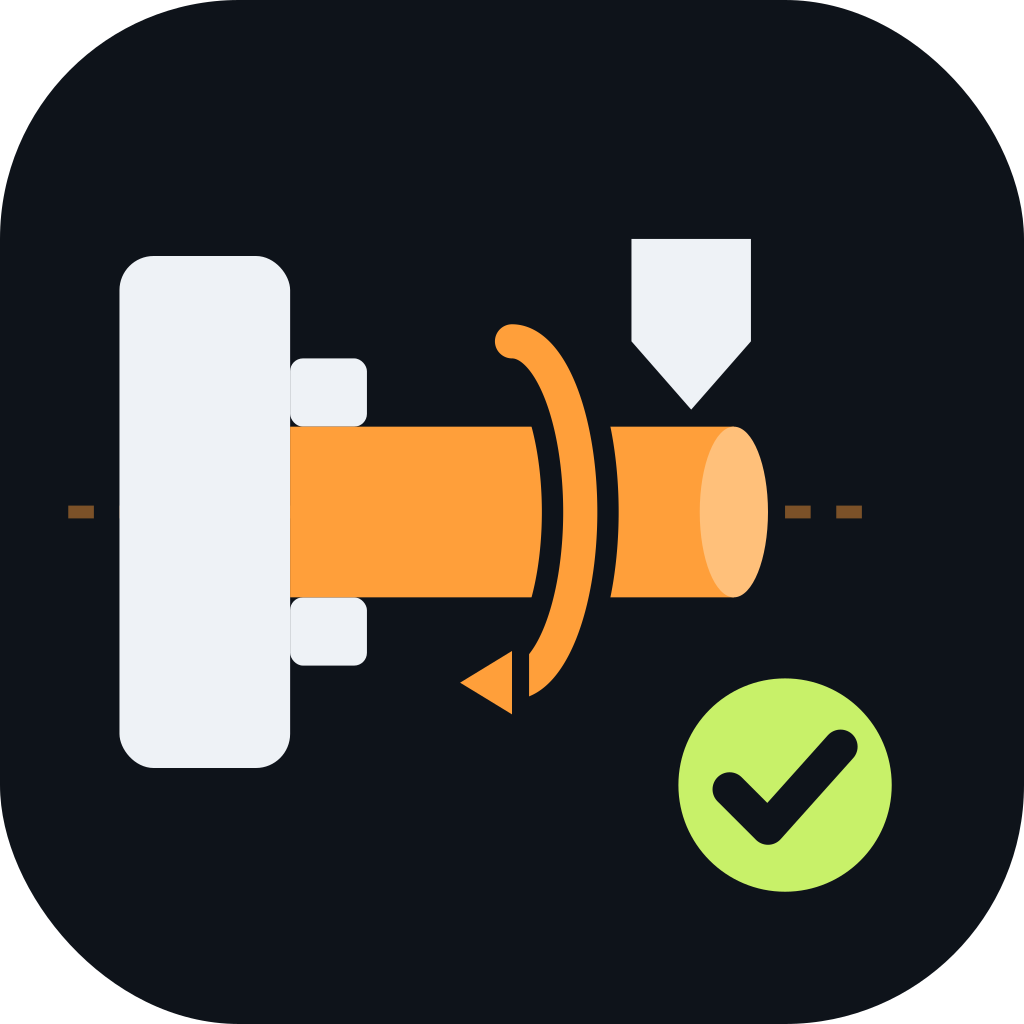
For CNC lathes and turning centers. See every roughing pass, finish profile, groove and thread before you hit Cycle Start.
- 2-axis X/Z toolpath simulation
- Roughing, finishing, grooving & threading cycles
- Chuck & tool collision checks
NC Proof simulates your CNC program line by line, so crashes, gouges and wrong offsets show up on screen — not on your spindle, your tooling or your parts.
NC Proof comes in two editions, each built around how that machine actually cuts.
For CNC lathes and turning centers. See every roughing pass, finish profile, groove and thread before you hit Cycle Start.
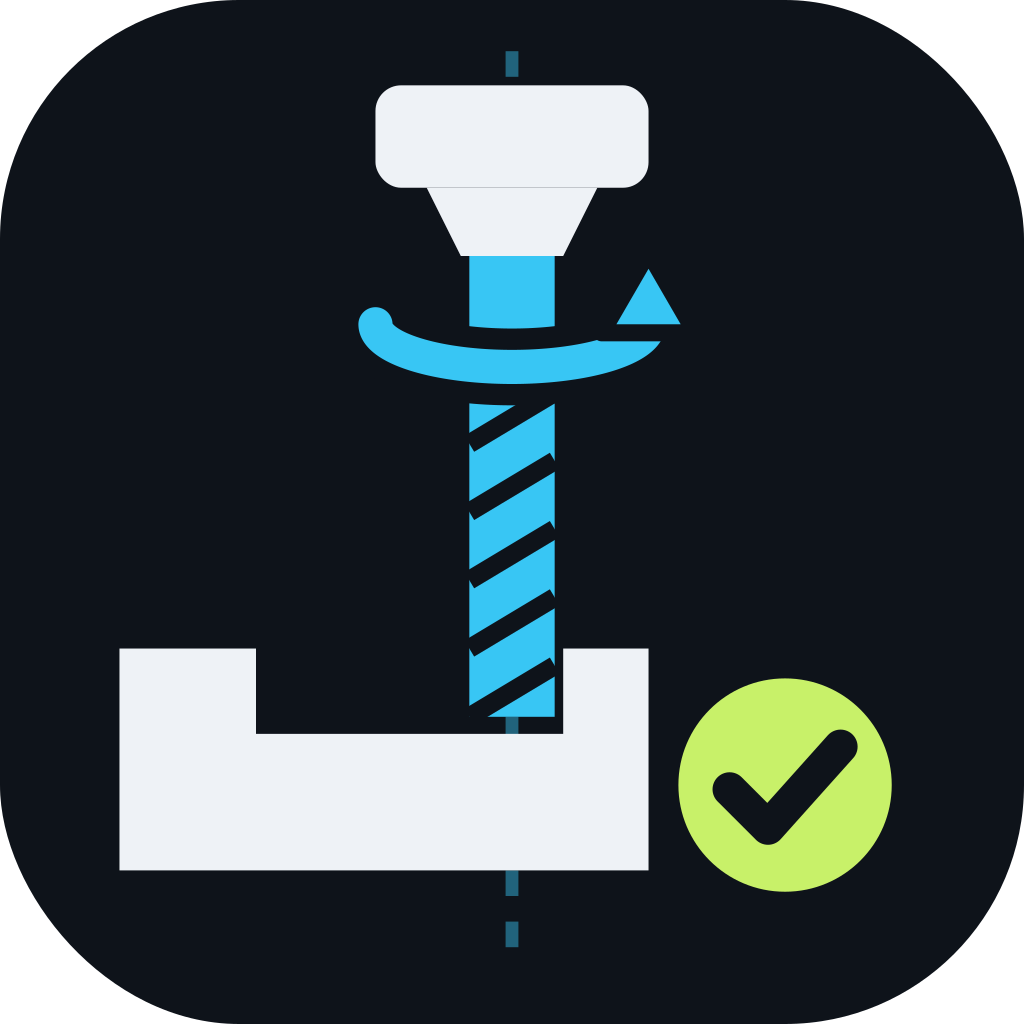
For CNC mills and machining centers. Verify pockets, contours and drilling cycles, and watch material come off the stock in 3D.
A crash means downtime, broken tools and scrapped material. NC Proof gives you a fast, visual check that fits into the way you already work.
Rapids into the stock, tools hitting the chuck or fixture, moves past travel limits — flagged before they happen.
Step through the program and see exactly which block moves the tool where. Problems point straight back to the line.
Get a realistic run-time estimate from feeds and rapids, so quoting and scheduling start from real numbers.
Paste or open your G-code file, whether it came from CAM or was written by hand at the control.
NC Proof plays the toolpath on your stock and highlights anything that doesn't look right.
Correct the flagged lines, re-check in seconds, then send a proven program to the machine.
Choose your edition to learn more and launch the simulator.